

 EN
EN
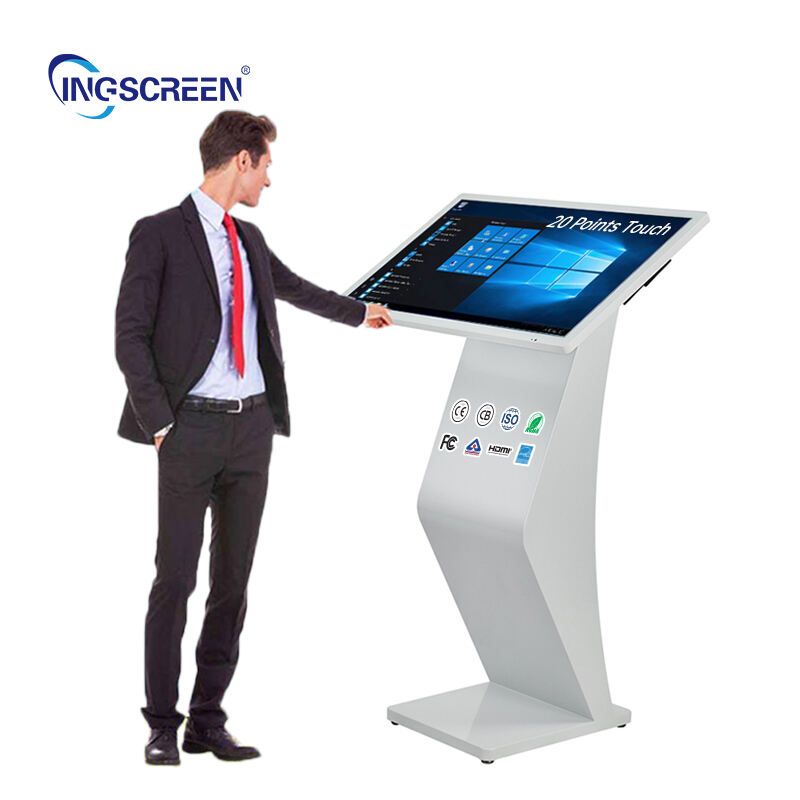
Selecting the right interactive panel for classroom environments requires careful consideration of multiple technical, pedagogical, and practical factors. Educators must navigate through various specifications, features, and compatibility requirements to ensure their chosen interactive panel aligns with their teaching objectives and institutional infrastructure. The decision process involves evaluating display quality, touch responsiveness, software integration capabilities, and long-term durability to create an optimal learning environment.
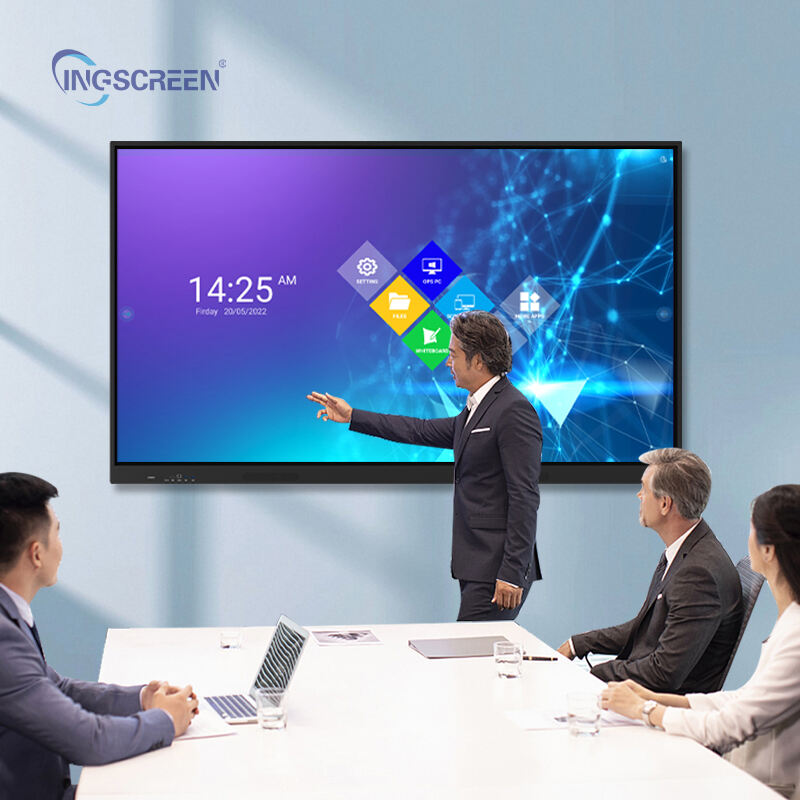
Modern classroom technology decisions significantly impact student engagement and learning outcomes, making the selection of an interactive panel a critical investment for educational institutions. The process requires understanding how different interactive panel technologies serve various teaching methodologies, age groups, and subject areas while considering budget constraints and technical support requirements.
Understanding Core Technical Specifications
Display Quality and Resolution Requirements
When educators evaluate an interactive panel, display quality emerges as a fundamental consideration affecting student visibility and content clarity. The resolution directly impacts how text, images, and multimedia content appear to students seated at various distances throughout the classroom. Most educational environments benefit from 4K resolution interactive panels, which provide sharp detail for both close-up collaboration and distance viewing.
Screen size selection depends on classroom dimensions and typical class sizes, with 65-inch to 86-inch interactive panel displays serving most standard classroom configurations effectively. Brightness levels should accommodate various lighting conditions, from naturally lit spaces to rooms with controlled artificial lighting. Anti-glare coating becomes essential in classrooms with windows, preventing reflections that could obstruct content visibility during different times of day.
Touch Technology and Responsiveness
Touch responsiveness determines how effectively students and teachers can interact with the interactive panel during lessons. Multi-touch capabilities enable collaborative activities where multiple students can simultaneously engage with content, supporting modern pedagogical approaches that emphasize group learning and peer interaction.
The precision of touch recognition affects writing quality when using digital pens or finger input, particularly important for subjects requiring detailed drawings, mathematical equations, or handwriting practice. Low latency between touch input and visual response creates a natural interaction experience that encourages student participation rather than causing frustration with delayed responses.
Processing Power and Performance
Internal processing capabilities determine how smoothly an interactive panel handles complex educational software, multimedia content, and simultaneous applications. Adequate RAM and processor specifications ensure that resource-intensive educational applications run without lag, maintaining lesson flow and preventing technical interruptions during instruction.
Storage capacity affects how much educational content can be stored locally on the interactive panel, reducing dependence on external devices or network connections. Built-in computing power also influences the panel's ability to support wireless screen sharing from student devices and handle multiple concurrent connections during collaborative sessions.
Software Compatibility and Educational Integration
Operating System Considerations
The choice between Android-based and Windows-compatible interactive panel systems significantly impacts software accessibility and institutional integration. Android systems typically offer intuitive touch interfaces and extensive app ecosystems, while Windows compatibility ensures seamless integration with existing school IT infrastructure and familiar desktop applications.
Cross-platform compatibility becomes crucial when schools use diverse device ecosystems, requiring the interactive panel to support content sharing from various student and teacher devices. Cloud integration capabilities enable access to online educational resources and facilitate remote learning scenarios that have become increasingly important in modern education.
Educational Software Support
Compatibility with established educational software platforms determines how effectively teachers can integrate the interactive panel into their existing curriculum and teaching workflows. Support for interactive whiteboard software, presentation tools, and subject-specific applications ensures that the panel enhances rather than disrupts established teaching practices.
The availability of educational apps and content creation tools directly impacts the interactive panel's utility across different subjects and teaching scenarios. Pre-installed educational software can provide immediate value, while the ability to install additional applications ensures long-term adaptability to evolving educational needs and curriculum changes.
Classroom Environment and Installation Factors
Physical Placement and Mounting Options
Proper placement of an interactive panel requires consideration of classroom layout, student seating arrangements, and teacher movement patterns during instruction. Wall-mounted installations must account for optimal viewing angles and touch accessibility for users of different heights, including both teachers and students across various grade levels.
Mobile stand options provide flexibility for classrooms that serve multiple purposes or require occasional reconfiguration. The interactive panel's weight and mounting requirements affect installation complexity and may influence classroom furniture arrangements to optimize sightlines and interaction spaces.
Connectivity and Network Integration
Network connectivity options determine how effectively the interactive panel integrates with school IT systems and enables content sharing capabilities. Ethernet connections provide stable network access, while robust WiFi capabilities support wireless device integration and cloud-based educational resources.
USB ports and HDMI inputs facilitate connection with existing classroom technology, including document cameras, laptops, and audio systems. The number and placement of input options affect how easily teachers can switch between different content sources during lessons without technical complications that could disrupt instruction flow.
Durability and Long-term Value Assessment
Build Quality and Reliability Standards
Educational environments subject interactive panels to intensive daily use, requiring robust construction that withstands frequent touch interactions, accidental impacts, and varying environmental conditions. Tempered glass surfaces resist scratches and damage from normal classroom activities while maintaining touch sensitivity over extended periods.
Component quality affects long-term reliability and operational costs, with premium components typically offering extended lifespans and consistent performance. Heat management systems prevent overheating during extended use periods common in educational settings, ensuring stable operation throughout full school days and extended learning sessions.
Warranty and Support Considerations
Comprehensive warranty coverage protects educational investments and ensures continued classroom operation when technical issues arise. Extended warranty options may provide cost-effective protection for institutions planning long-term deployments of interactive panel technology across multiple classrooms.
Local technical support availability affects response times for repairs and maintenance, crucial for minimizing classroom disruptions. Training resources and ongoing support services help teachers maximize the educational potential of their interactive panel investment while reducing technical barriers to effective implementation.
Budget Planning and Total Cost of Ownership
Initial Investment Considerations
Interactive panel pricing varies significantly based on size, features, and brand positioning, requiring careful evaluation of essential versus optional capabilities. Budget allocation must balance desired features with practical constraints while considering the panel's role within broader classroom technology ecosystems.
Installation costs, including mounting hardware, cable management, and professional setup services, add to the total initial investment. Schools should factor these additional expenses when comparing interactive panel options to ensure accurate budget planning and avoid unexpected costs during implementation.
Ongoing Operational Expenses
Energy consumption patterns affect long-term operational costs, with energy-efficient models reducing electricity expenses over the interactive panel's lifespan. Maintenance requirements and replacement part availability influence ongoing support costs and system longevity.
Software licensing fees for educational applications and content platforms may represent recurring expenses that should be considered alongside hardware costs. Training investments for teachers and support staff ensure effective utilization of interactive panel capabilities, maximizing educational return on investment.
FAQ
What size interactive panel works best for standard classroom environments?
Most standard classrooms benefit from 75-inch to 86-inch interactive panels, which provide adequate visibility for students seated up to 25 feet away while maintaining touch accessibility for users of different heights. Smaller rooms may accommodate 65-inch displays effectively, while larger lecture halls might require multiple panels or projection systems to ensure all students can clearly see and interact with content.
How important is 4K resolution for educational interactive panels?
4K resolution significantly enhances text clarity and detail visibility, particularly important for displaying mathematical equations, detailed diagrams, and fine text that students need to read from various distances. While Full HD may suffice for basic presentations, 4K resolution provides better long-term value as educational content increasingly utilizes high-resolution graphics and detailed visual materials.
Can interactive panels integrate with existing classroom technology systems?
Modern interactive panels typically offer multiple connectivity options including HDMI, USB, and wireless capabilities that enable integration with document cameras, laptops, tablets, and existing audio systems. Compatibility with school network systems and device management platforms ensures seamless integration with established IT infrastructure and security protocols.
What maintenance requirements should schools expect for interactive panels?
Interactive panels require minimal routine maintenance, primarily involving regular screen cleaning with appropriate materials and periodic software updates. Most quality panels operate reliably for 50,000+ hours with proper care, though schools should establish relationships with qualified service providers for occasional calibration adjustments and component replacements as needed over the panel's lifespan.

