

 EN
EN
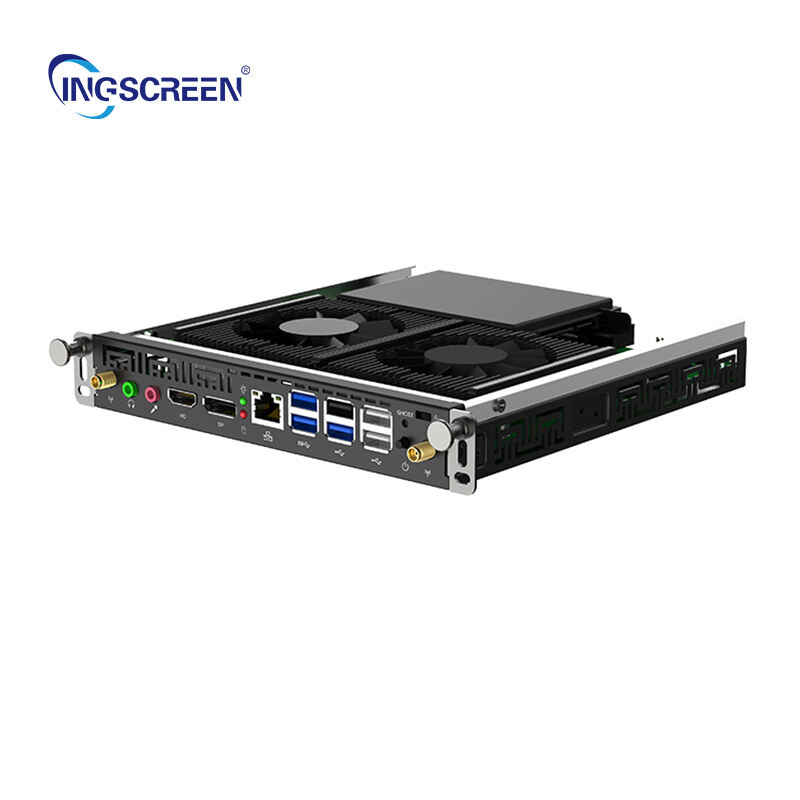
Delivering a smooth interactive experience with a smart board requires careful attention to technical setup, software optimization, and user training protocols. Modern educational and business environments depend on seamless digital interaction, making smart board performance a critical factor in presentation effectiveness and collaborative success. Understanding the essential elements that contribute to optimal smart board functionality enables organizations to maximize their investment in interactive display technology.
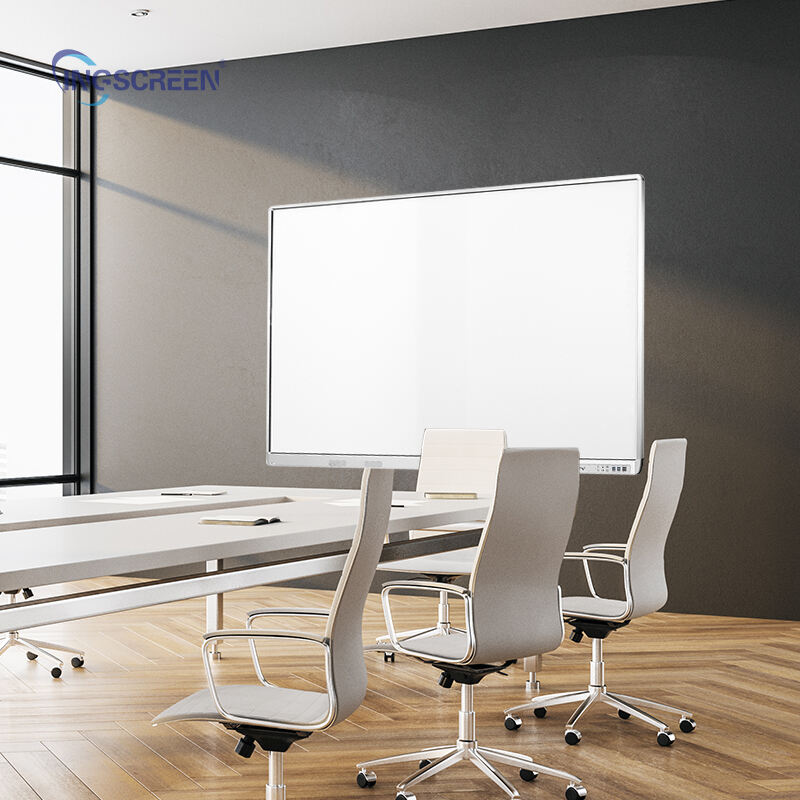
The foundation of smooth smart board operation lies in proper hardware configuration, network infrastructure optimization, and systematic maintenance procedures. Each component in the smart board ecosystem must work harmoniously to prevent lag, touch response delays, and connectivity interruptions that can disrupt interactive sessions. Professional implementation of these technical requirements ensures consistent performance across different usage scenarios and user skill levels.
Technical Infrastructure Requirements for Optimal Smart Board Performance
Network Connectivity and Bandwidth Management
Establishing robust network connectivity forms the backbone of smooth smart board operation, particularly when accessing cloud-based content or streaming multimedia resources. A dedicated network connection with minimum 100 Mbps bandwidth ensures responsive performance during intensive interactive sessions. Network administrators should prioritize smart board traffic through Quality of Service (QoS) protocols to prevent bandwidth competition from other devices.
Implementing enterprise-grade wireless infrastructure with IEEE 802.11ac or newer standards provides reliable connectivity for mobile device integration and screen sharing features. The smart board system requires consistent low-latency connections to maintain real-time responsiveness during touch interactions and annotation activities. Regular network monitoring helps identify potential bottlenecks before they impact user experience.
Redundant connectivity options, including both wired and wireless connections, provide backup pathways when primary network connections experience interruptions. This dual-connectivity approach ensures continuous smart board availability during critical presentations and collaborative sessions where downtime cannot be tolerated.
Hardware Configuration and System Requirements
Proper hardware configuration begins with selecting computer systems that exceed minimum smart board software requirements by significant margins. Processing power, memory capacity, and graphics capabilities directly influence touch response times and multi-application performance. Systems with solid-state drives (SSDs) provide faster boot times and application loading, contributing to overall operational smoothness.
Display calibration settings must be optimized for the specific smart board model and room lighting conditions to ensure accurate touch recognition and visual clarity. Regular calibration procedures maintain precision as environmental factors and component wear affect system accuracy over time. Professional installation services typically include comprehensive calibration protocols that establish baseline performance parameters.
Cable management and connection integrity play crucial roles in maintaining stable smart board performance. High-quality HDMI, USB, and power cables with proper shielding prevent signal degradation and electromagnetic interference. Secure connection points and strain relief protection minimize connection failures during extended use periods.
Software Optimization Strategies for Enhanced User Experience
Operating System Configuration and Updates
Maintaining current operating system versions with latest security patches and driver updates ensures compatibility with smart board software and prevents performance degradation. Automated update scheduling during off-hours minimizes disruption to daily smart board usage while keeping systems secure and optimized. Registry cleaning and temporary file removal help maintain system responsiveness over extended operational periods.
Background application management prevents resource conflicts that can cause smart board software to become sluggish or unresponsive. Disabling unnecessary startup programs and services frees system resources for smart board applications that require immediate processing power and memory access. Task scheduling ensures routine maintenance operations occur without interfering with interactive sessions.
Power management settings should be configured to prevent system hibernation or display sleep modes during active smart board sessions. Custom power profiles maintain system availability while balancing energy efficiency requirements in educational and corporate environments.
Application Performance Tuning
Smart board software applications require specific configuration adjustments to deliver optimal interactive performance across different usage scenarios. Touch sensitivity settings must be calibrated for individual user preferences while maintaining consistent response characteristics for multiple users. Application memory allocation and processing priority adjustments ensure smooth operation during resource-intensive activities.
Integration with productivity software suites requires careful version management and compatibility testing to prevent conflicts that can cause system instability. Regular software updates from smart board manufacturers often include performance improvements and bug fixes that address common user experience issues.
Database and cache optimization for smart board applications improves loading times for frequently accessed content and user profiles. Automated cleanup routines prevent data accumulation that can gradually slow system performance over extended usage periods.
User Training and Operational Best Practices
Comprehensive User Education Programs
Implementing structured training programs ensures users understand proper smart board operation techniques that maximize interactive performance and minimize technical issues. Training modules should cover basic navigation, advanced features, and troubleshooting procedures that enable users to resolve minor problems independently. Regular refresher sessions help users stay current with software updates and new functionality.
Hands-on practice sessions allow users to develop muscle memory for common smart board interactions, reducing hesitation and improving presentation flow. Training should emphasize proper touch techniques, stylus handling, and multi-user collaboration protocols that prevent accidental system conflicts or performance degradation.
Creating user documentation and quick reference guides provides ongoing support resources that reduce dependence on technical support staff. Video tutorials and interactive help systems enable self-directed learning and problem resolution during actual smart board usage scenarios.
Operational Protocols and Usage Guidelines
Establishing clear operational protocols helps prevent user-induced performance issues that can disrupt interactive sessions. Guidelines should specify proper startup and shutdown procedures, application switching protocols, and file management practices that maintain system stability. User access controls prevent unauthorized configuration changes that might compromise smart board performance.
Regular cleaning and maintenance schedules ensure smart board surfaces remain responsive to touch inputs and free from debris that can interfere with sensor accuracy. Proper cleaning materials and techniques preserve screen coatings and prevent damage that could affect long-term performance reliability.
Usage monitoring and reporting systems help identify patterns that may indicate emerging performance issues or training needs. Analytics data from smart board systems provide insights into user behavior and system utilization that inform optimization strategies.
Maintenance and Performance Monitoring
Preventive Maintenance Procedures
Systematic preventive maintenance ensures smart board systems continue delivering smooth interactive experiences throughout their operational lifespan. Regular hardware inspections identify potential component failures before they cause system downtime or performance degradation. Professional maintenance services typically include comprehensive diagnostic testing and component replacement recommendations.
Software maintenance procedures include database optimization, temporary file cleanup, and configuration backup processes that preserve system performance and enable rapid recovery from unexpected issues. Automated maintenance scripts can perform routine optimization tasks during off-hours to minimize user disruption.
Environmental monitoring helps identify conditions that may affect smart board performance, such as temperature fluctuations, humidity levels, and electromagnetic interference sources. Climate control adjustments and equipment positioning modifications can resolve performance issues related to environmental factors.
Performance Monitoring and Issue Resolution
Continuous performance monitoring systems track smart board response times, touch accuracy, and system resource utilization to identify optimization opportunities. Real-time alerts notify technical staff of performance degradation before users experience significant disruptions. Historical performance data helps predict maintenance needs and plan system upgrades.
Systematic troubleshooting procedures enable rapid resolution of common smart board issues without requiring specialized technical expertise. Diagnostic tools and testing protocols help isolate performance problems to specific system components or configuration settings. Remote monitoring capabilities allow technical support staff to identify and resolve issues without physical access to smart board installations.
Issue tracking systems document recurring problems and successful resolution strategies, building institutional knowledge that improves future support efficiency. Regular system audits ensure smart board configurations remain optimal as usage patterns and requirements evolve over time.
FAQ
What are the most common causes of smart board lag and unresponsiveness?
Smart board lag typically results from insufficient system memory, outdated drivers, network connectivity issues, or background applications consuming excessive resources. Inadequate processing power for running multiple applications simultaneously, outdated smart board software, or improper touch calibration can also cause responsiveness problems. Regular system maintenance, driver updates, and proper hardware specifications prevent most performance issues.
How often should smart board systems be calibrated for optimal performance?
Smart board calibration should be performed monthly under normal usage conditions, or whenever touch accuracy problems become noticeable. High-usage environments may require weekly calibration to maintain precision, while systems used occasionally may maintain accuracy for longer periods. Environmental changes, such as room lighting modifications or mounting adjustments, necessitate immediate recalibration regardless of the regular schedule.
Can network speed significantly impact smart board interactive performance?
Network speed directly affects smart board performance when accessing cloud-based content, streaming media, or synchronizing with remote devices. Minimum 50 Mbps dedicated bandwidth ensures adequate performance for basic interactive functions, while advanced features like high-definition video streaming or real-time collaboration require 100 Mbps or higher. Local network congestion and latency issues can cause delays even with sufficient bandwidth capacity.
What hardware specifications ensure smooth smart board operation?
Optimal smart board performance requires minimum 8GB RAM, modern multi-core processors, dedicated graphics cards with at least 2GB memory, and solid-state drives for faster data access. Systems should exceed manufacturer minimum requirements by at least 50% to accommodate software updates and multiple concurrent applications. Regular hardware assessment ensures continued compatibility with evolving smart board software requirements and feature sets.

