 EN
EN
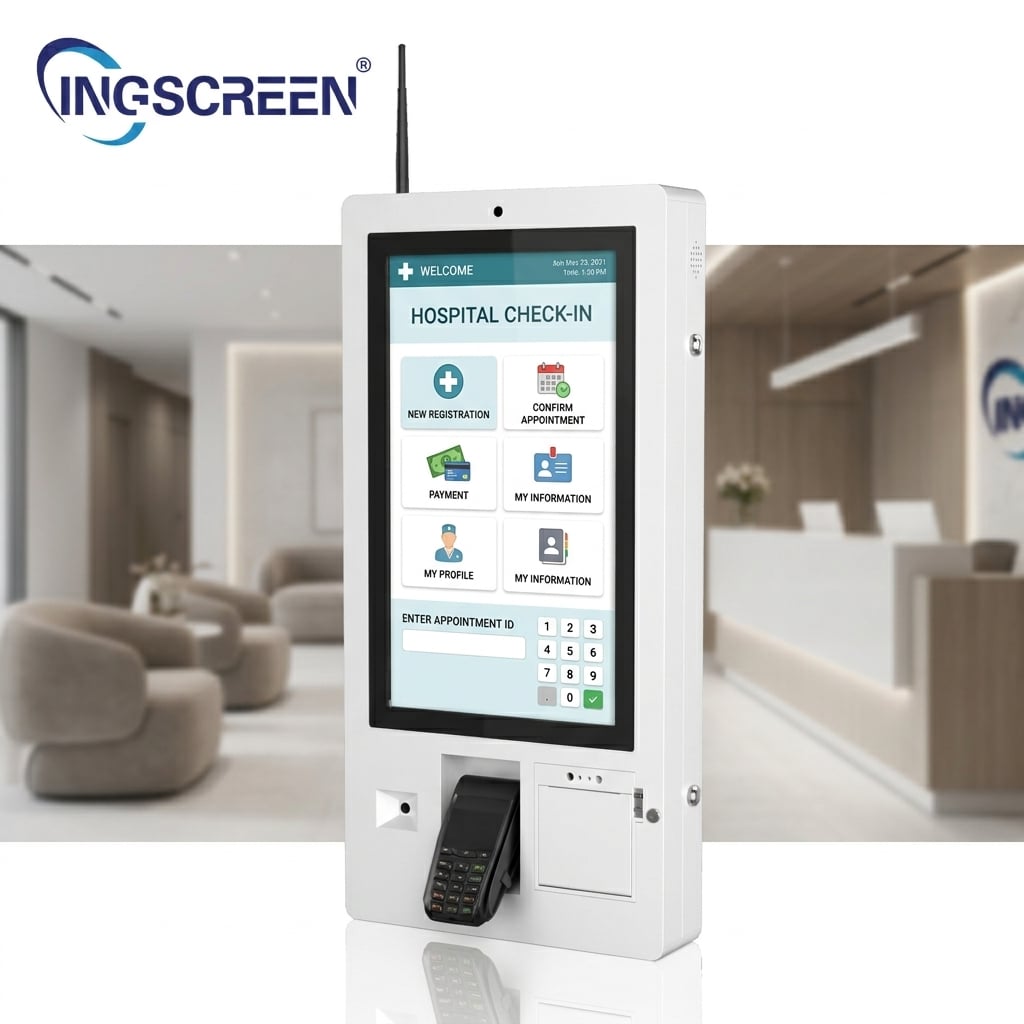
Self-service projects rarely fail because the screen was the wrong size. They fail at the seams: a payment terminal that will not talk to the application, a printer jam with no spare part in the country, a kiosk that cannot be updated remotely, or an argument about who is responsible for the software running on it. Choosing a self service kiosk hardware supplier well means buying a platform you can integrate, service and scale — not just a box with a screen.
Start With the Transaction, Not the Hardware
Before comparing kiosks, write down the transaction the customer must complete: order and pay, check in, print a ticket, collect a parcel, register a visitor, scan a loyalty code. Then derive the peripheral list from that transaction, and the enclosure and mounting from the environment.
Peripheral Modules: Specify Each One Explicitly
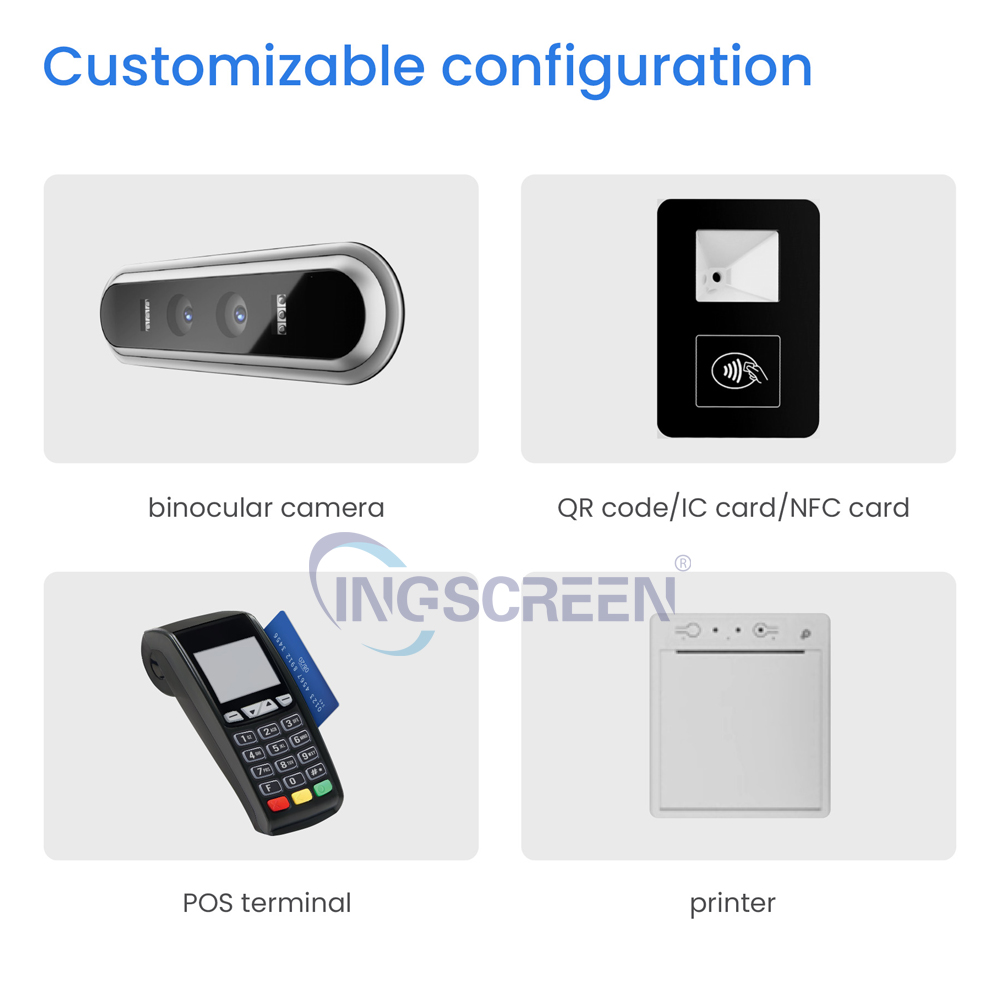
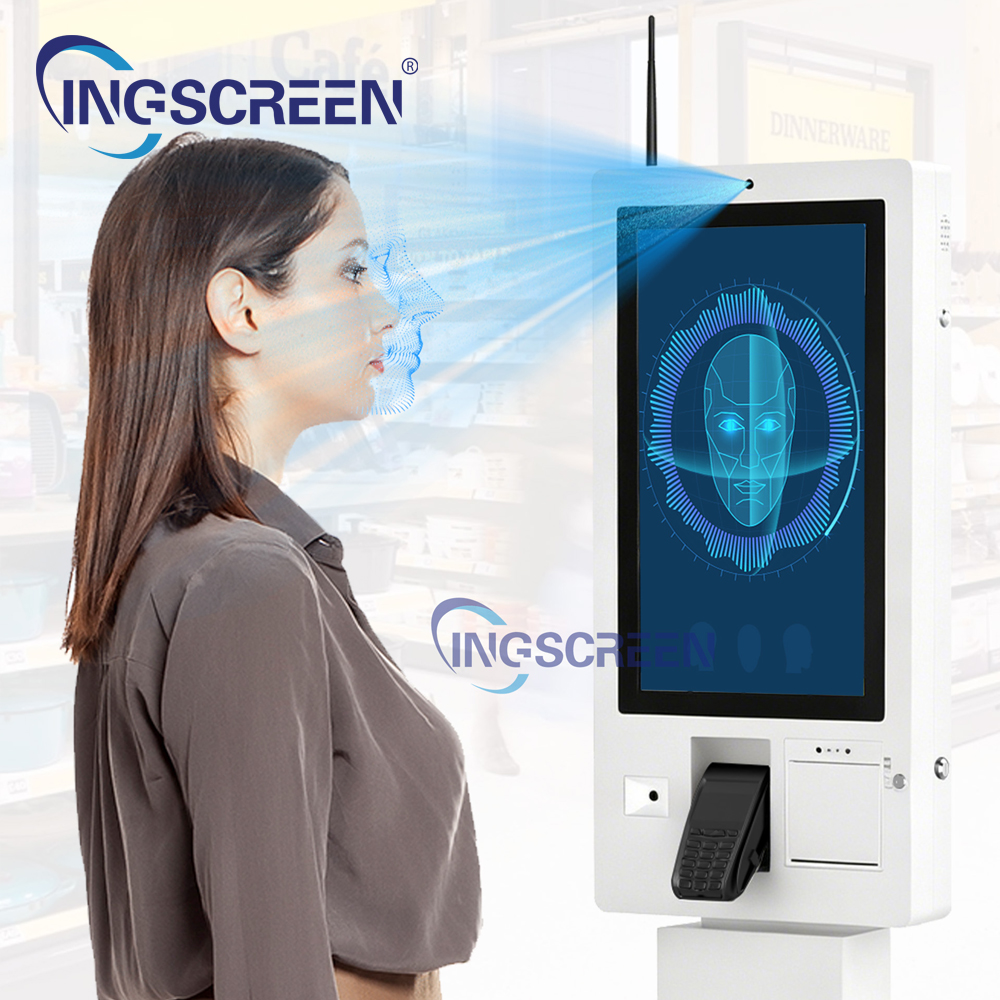
Site information for INGSCREEN's self-service kiosk range lists optional modules that include camera, barcode scanner, NFC/IC card reading, mobile payment QR scanning and thermal printing. Treat each as a separate specification line, because modules are where cost and integration risk concentrate:
• Camera — resolution, field of view, low-light behaviour, and whether it is used for scanning, video assistance or analytics.
• Barcode / QR scanner — 1D and 2D formats, presentation vs handheld, scan window geometry and illumination.
• NFC / IC card reader — contactless and contact card standards, card types accepted in your market, and mounting position.
• Mobile payment QR — which wallet or scheme QR formats must be recognised, and how the code is passed to the payment application.
• Thermal printer — paper width, print speed, cutter type, paper roll diameter and how paper is replaced by staff.
For each module, ask for the interface (USB, serial, GPIO), whether the driver ships with the unit, and whether an SDK or API is available to your software team.
Software Responsibility: The Clause That Prevents Most Disputes
This is the single most important commercial question. Hardware vendors build devices; application vendors build experiences. Decide and document who owns each layer:
1. Operating system and image — who supplies the OS version, who manages security updates, and whether the image can be locked down so that users cannot escape the application.
2. Application and user interface — usually the buyer, an integrator or a kiosk software vendor.
3. Peripheral drivers and SDKs — typically the hardware supplier, documented and version-locked.
4. Payment integration — often a payment service provider or acquirer, with security requirements that may apply to the whole kiosk, not just the terminal.
5. Remote device management — who receives fault alerts, pushes updates and reboots units.
6. Content and data — who owns transaction data, logs and any personal data captured by camera or card reader.
Site information indicates INGSCREEN supports customisation such as pre-installed apps, default language, boot logo and kiosk mode lock-down. Ask specifically which of these apply to your kiosk model, and get the delivered software image, driver package and SDK versions listed in the purchase order. If payment is involved, confirm early which party is responsible for the applicable payment security requirements and for any hardware security module or secure element — this is a commercial and legal question, not a purely technical one, and it should be settled by your payment provider.
Enclosure, Accessibility and Installation
Define the physical deployment before tooling is committed:
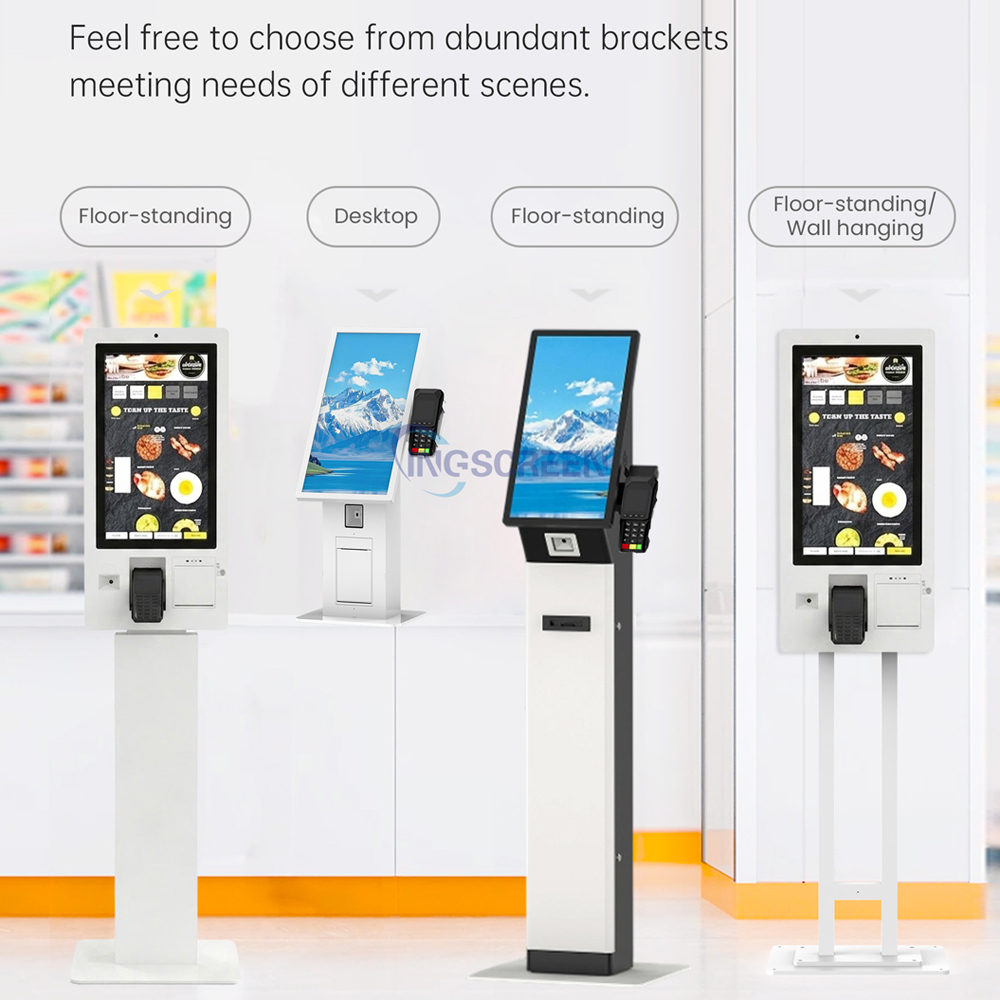
• Indoor floor-standing, wall-mounted or counter-top
• Screen size, touch technology and whether the screen must be legible in bright light
• Accessibility requirements: reach height, screen angle, audio output, tactile controls
• Cable routing, ventilation and service access — maintenance staff need to reach the printer and card reader without dismantling the unit
• Network path: wired, Wi-Fi or cellular, with failover behaviour
Testing, Acceptance and Spares
Run an acceptance test with the real application, not a demo. Print 100 receipts, scan 100 barcodes, complete 100 card taps and 100 QR payments, and confirm the failure modes: what happens when the network drops mid-transaction, when paper runs out, or when a card is removed early.
Then agree the service model before the first delivery:
• Warranty terms and which components are covered
• Spare parts list to keep locally: printer mechanism, scanner, card reader, power supply, cooling fans, touch module
• Response times for remote diagnostics and advance replacement
• Firmware update policy and end-of-support date for the model
A capable self service kiosk hardware supplier will answer these in writing and will produce a configuration sheet that matches what is actually built. INGSCREEN publicly presents self-service kiosks alongside interactive flat panels, interactive blackboards, digital signage, AI translators, OPS PCs and video walls, with stated OEM/ODM/SKD support — a useful signal when you need one partner for a broader rollout, but module compatibility, software support and warranty terms must still be confirmed per project.
Done properly, the kiosk becomes a managed asset with predictable service costs. Done as a hardware-only purchase with undefined software boundaries, it becomes a queue of complaints. The difference is almost entirely in the specification and the assignment of responsibility — both of which are decided long before the kiosk ships.
FAQ
1. Can we buy the kiosk hardware only and integrate our own software?
Yes, and this is a common model. Ask for the delivered OS image, driver package, SDK documentation and an integration test unit so your developers can validate peripherals before mass production.
2. Who is responsible if a payment fails?
Responsibility depends on where the failure occurs: hardware, driver, terminal, or application. Assign it in the contract by layer, and involve your payment provider early so that its security requirements are reflected in the kiosk specification.
3. How do we reduce downtime across many kiosks?
Standardise on one model family, stock the parts that wear out, and require remote device management with alerting and remote reboot. Remote diagnosis before dispatch is the cheapest form of service.

