 EN
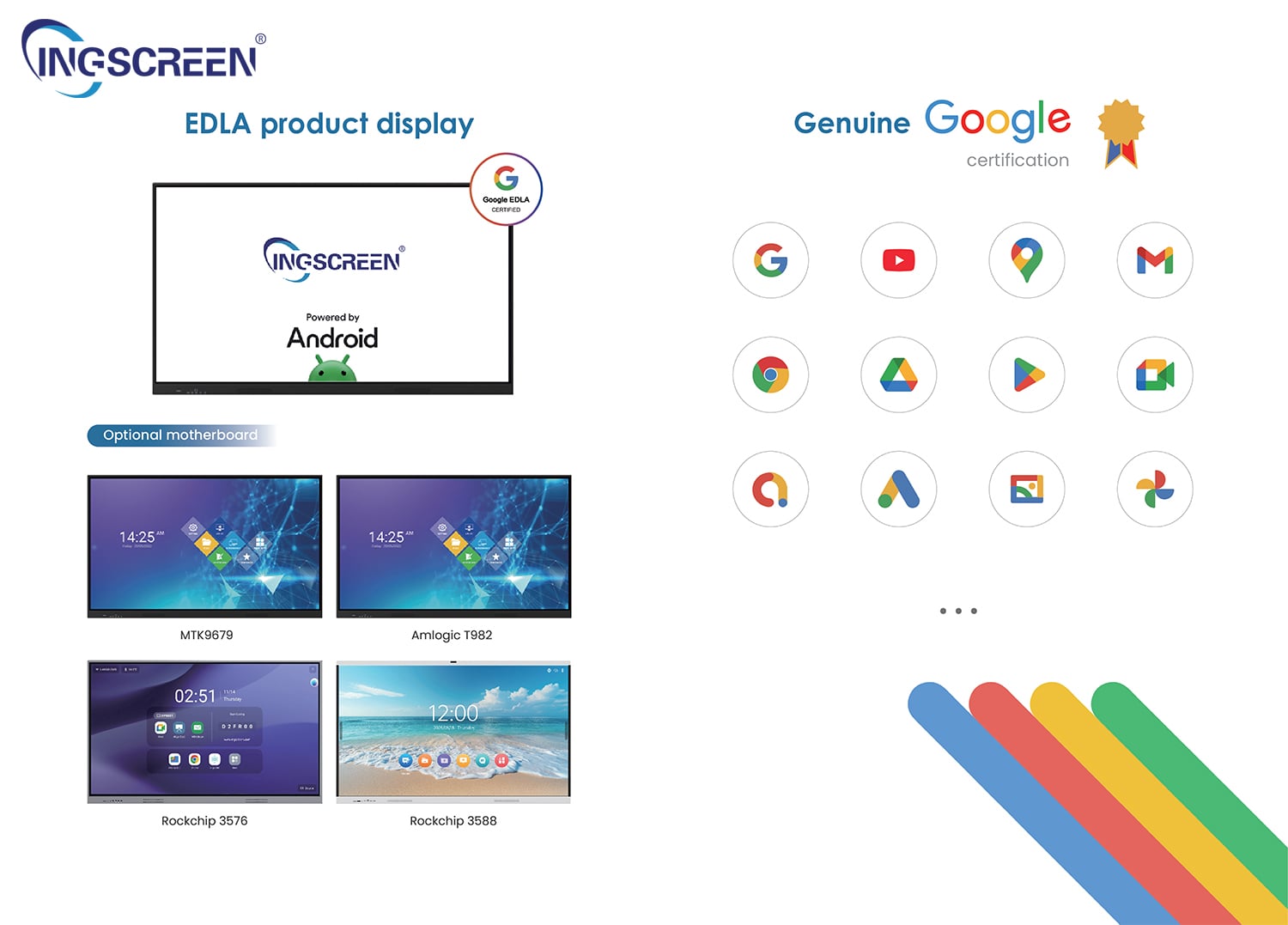
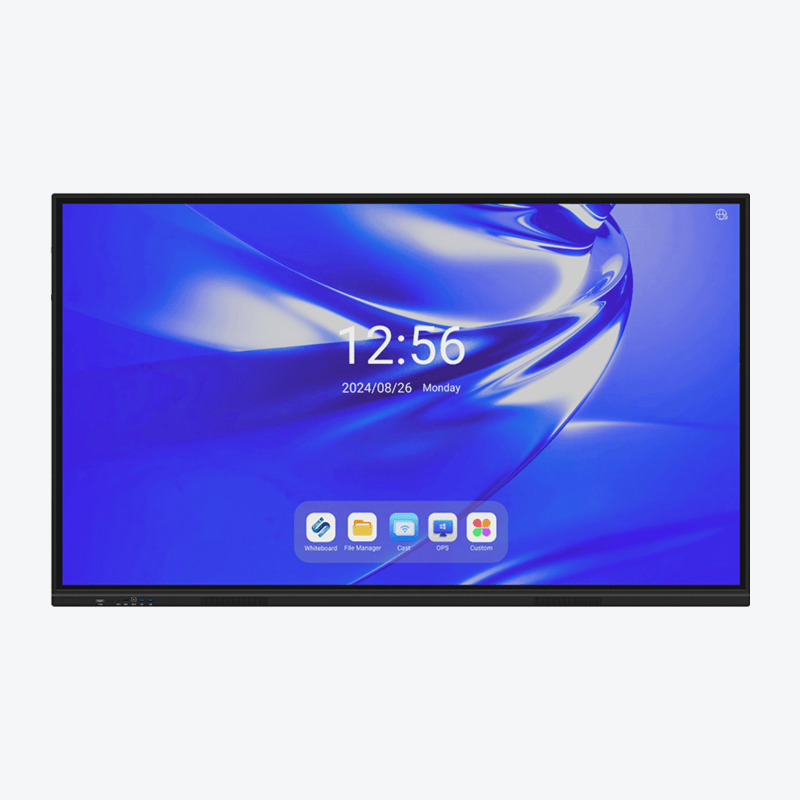
In modern educational tenders and corporate workplace upgrades, procurement specifications increasingly include a critical mandatory requirement: official Google EDLA certification. Sourcing a genuine Google EDLA interactive panel ensures your client organizations gain seamless access to official Google Mobile Services (GMS), robust enterprise security, and long-term operating system support. Understanding how a Google EDLA interactive panel operates helps AV integrators recommend the right hardware architecture for school districts and enterprises.
Quick answer
• Google EDLA (Enterprise Device Licensing Agreement) grants large-format displays official certification to run Google Play Store, Google Workspace, and native Android apps securely.
• An EDLA certified smart board eliminates the cybersecurity risks, side-loading vulnerabilities, and sudden software crashes common with uncertified modified Android boards.
• Certified panels support Google Play Protect, continuous security patches, and centralized mobile device management (MDM) through Google Admin Console on an Android interactive display.
• Sourcing certified displays backed by high-tier octa-core chipsets (e.g., RK3588) ensures smooth multitasking, optical bonding visual clarity, and future-proof firmware support.
The Evolution of Android in Commercial Displays: Why EDLA Matters
Historically, most commercial interactive whiteboards ran open-source Android (AOSP). While functional for basic whiteboard annotation, AOSP builds lacked official Google services. Teachers and corporate presenters were forced to side-load APK files via USB thumb drives or rely on unstable third-party application repositories on a Google Play interactive whiteboard.
This workaround created severe operational headaches for institutional IT departments:
• Security Vulnerabilities: Unverified APK files exposed school and corporate networks to malware and data leaks.
• App Breakage: Popular cloud collaboration tools like Google Meet, Google Drive, Google Docs, and YouTube frequently refused to launch or failed to authenticate without native GMS libraries.
• Zero Automated Patching: Uncertified displays rarely received timely Android security patches or major OS version updates.
By deploying an official certified smart collaboration display built as a Google EDLA interactive panel, IT directors gain the exact same trusted, frictionless Google ecosystem enjoyed on certified smartphones and tablets, scaled up to an intuitive 65", 75", or 86" 4K interactive touchscreen.
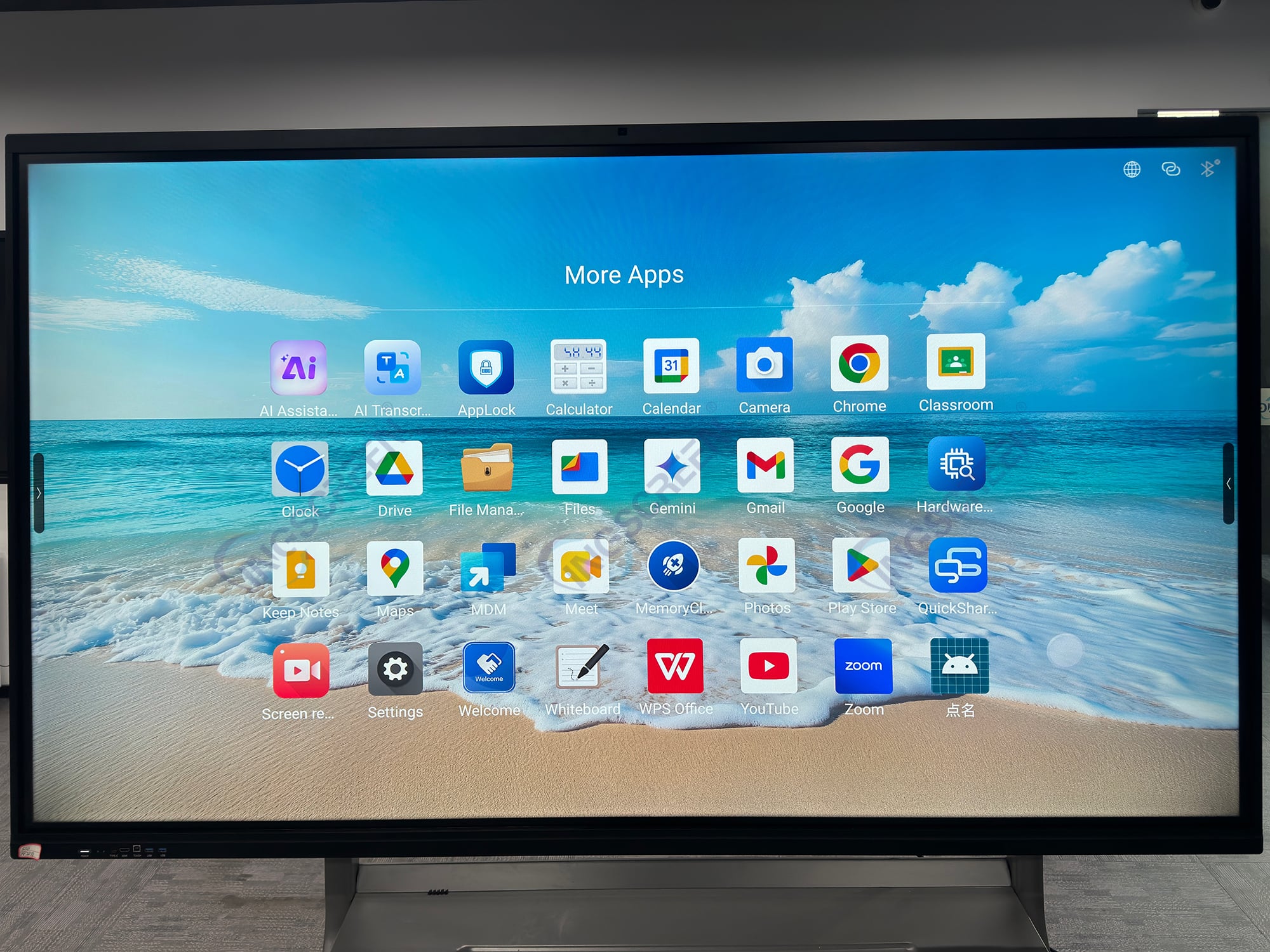
Key Hardware and Software Advantages of Google EDLA Displays
Understanding how an EDLA certified smart board transforms daily teaching workflows helps procurement teams articulate value during competitive tender presentations.
Capability Area |
Standard AOSP Smart Board |
Google EDLA Certified Interactive Panel |
B2B Procurement Value |
App Marketplace Access |
Sideloaded APKs or third-party stores; frequent compatibility errors |
Official Google Play Store with hundreds of thousands of verified education and enterprise apps |
Instant download and 1-click updates for Google Workspace, Zoom, Microsoft Teams, and Canva. |
Enterprise Cybersecurity |
Minimal malware scanning; manual security updates |
Native Google Play Protect running automated daily scans and real-time app verification |
Prevents malware intrusion on sensitive campus or corporate enterprise intranets. |
User Profile Management |
Single generic login; shared cloud credentials create privacy risks |
Multi-user login with individual Google account sync (Drive, bookmarks, personal settings) |
Enables teachers to switch classrooms, tap their profile, and instantly access their personal lesson files. |
Remote IT Management |
Fragmented proprietary MDM tools requiring separate licensing |
Native integration with Google Admin Console and standard corporate enterprise MDMs |
Allows central IT staff to remotely deploy apps, set password policies, and wipe lost hardware. |
Chipset & Performance |
Entry-level quad-core chips that struggle under 4K multitasking |
Flagship octa-core processors (e.g., RK3588, 8GB RAM + 128GB ROM) with 8 TOPS AI NPU |
Delivers flawless 4K@60Hz UI rendering, split-screen multitasking, and instant AI camera framing. |
Sourcing Considerations for B2B Importers and AV Integrators
When evaluating manufacturers offering an Android interactive display or dual OS interactive flat panel, buyers must look closely at underlying hardware integration:
1. Chipset Architecture and AI Capabilities
A true modern Google EDLA interactive panel requires substantial compute power to run native Google services alongside advanced whiteboard algorithms. Seek boards powered by advanced processors such as the RK3588, RK3567, A311Y3 or G520 paired with AI binocular cameras, 8-array microphone beamforming, and optical bonding. This hardware configuration enables automated speaker tracking, acoustic echo cancellation, and fluid 40/50/60-point touch response.
2. Dual OS Flexibility via OPS Slot
While Android handles native Google apps and everyday collaboration, many enterprise clients still require an OPS PC interactive panel to run proprietary Windows-based ERP or legacy educational software. Sourcing a dual OS interactive flat panel with an open pluggable specification (OPS) slot supports high-performance Intel Core i5/i7 OPS modules running Windows 11 Pro.
How to Verify Manufacturer Compliance and Quality Control
Securing an authentic EDLA product requires partnering with a certified original equipment manufacturer (OEM):
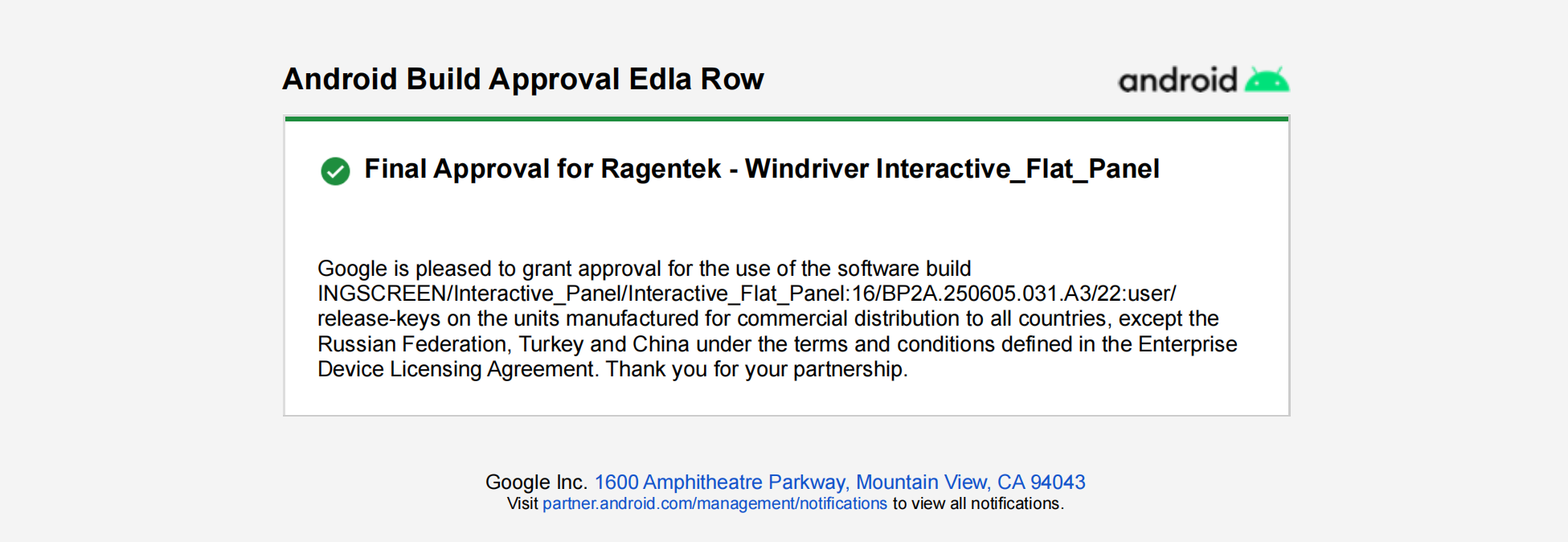
• Official Certification Documentation: Request verifiable proof of Google EDLA licensing associated with the manufacturer's motherboard model and firmware build.
• Factory Quality Assurance: Ensure each panel undergoes 7-step quality inspection and a 48-hour continuous burn-in aging test in a dust-free production environment.
• International Regulatory Approvals: Verify comprehensive safety and electromagnetic compliance through CE, FCC, CB, RoHS, and ISO 9001 certifications.
Frequently Asked Questions (FAQ)
Q: Can a non-EDLA interactive whiteboard be upgraded to official Google EDLA via software?
A: No, Google EDLA certification requires specific hardware security architecture, verified cryptographic keys, and rigorous laboratory testing approved directly by Google before production.
Q: Do users need to pay a subscription fee to use Google Play on an EDLA panel?
A: No, the Google Play Store and standard Google apps are natively available on a certified Google EDLA interactive panel without recurring license fees for standard users.
Q: What operating system versions do modern EDLA displays run?
A: Current state-of-the-art EDLA interactive panels operate on Android 15 or Android 16, providing advanced split-screen productivity, enhanced privacy permissions, and multi-user profile switching.
Q: What is the typical lead time for bulk orders of EDLA interactive panels?
A: For standard container orders (50 to 200 units), standard factory lead times are approximately 15 to 20 working days, with urgent sample units dispatched within 5 to 7 days.
Ready to Win Your Next Education or Enterprise Display Tender?
Offering certified Google EDLA displays positions your distribution business at the forefront of the commercial AV industry. Ingscreen provides fully certified Google EDLA interactive panel models featuring optical bonding, AI binocular cameras, and powerful octa-core processors.
Contact our international sales team today to request product demonstration videos, check ready stock availability, or submit a smart interactive display inquiry.

