
 EN
EN
Choosing the right digital signage for a high-traffic commercial location is one of the most impactful decisions a business can make. Whether you manage a shopping mall, airport, hotel lobby, transit hub, or large retail store, the wrong display choice can lead to poor visibility, frequent hardware failures, and a frustrating visitor experience. The right digital signage solution, however, creates seamless communication, reinforces brand identity, and guides customers efficiently through busy spaces.
This guide walks through the most critical factors when selecting digital signage for environments with heavy daily foot traffic. From hardware durability and display brightness to content management flexibility and form factor, every decision affects long-term performance. Understanding these factors helps procurement managers, facility operators, and marketing teams invest confidently in digital signage that delivers lasting value.
Hardware Requirements for High-Traffic Environments
Durability and Build Quality
In high-traffic commercial spaces, digital signage is exposed to constant interaction, environmental dust, accidental impact, and continuous operation cycles. Standard consumer-grade displays are simply not built for this level of demand. Commercial-grade digital signage uses reinforced enclosures, tempered glass panels, and heat-dissipating components that allow 24/7 operation without performance degradation. When evaluating digital signage hardware, always verify the rated operational hours and whether the unit carries commercial certification for continuous use.
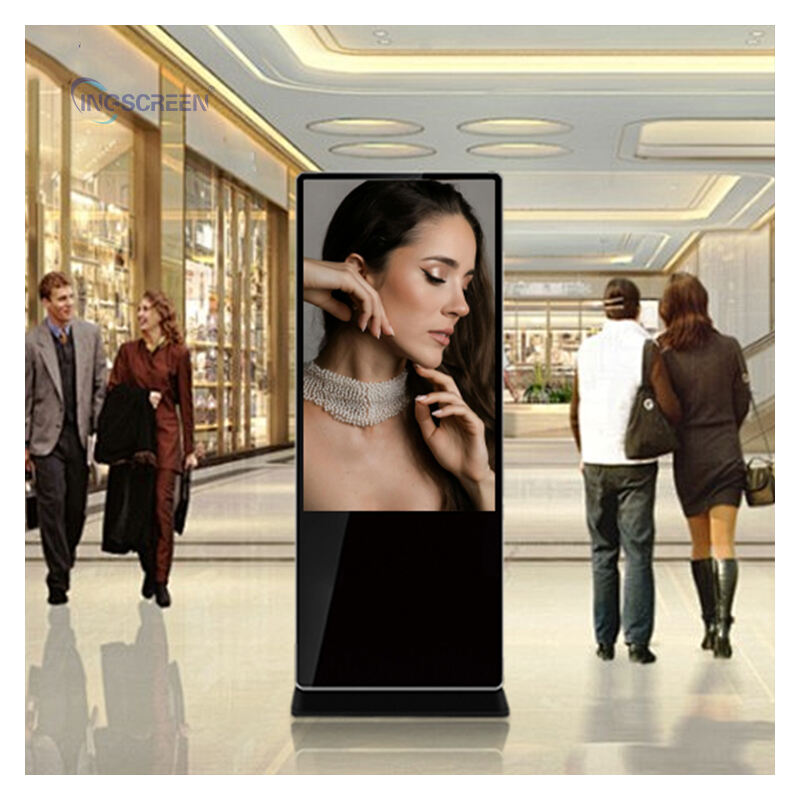
Digital signage placed in lobbies, concourses, or retail floors also faces the risk of physical contact from passing crowds. Floor-standing digital signage kiosks, for instance, should have a stable weighted base, scratch-resistant surfaces, and tamper-proof fastening systems. Investing in rugged digital signage hardware at the outset prevents costly replacements and reduces maintenance downtime in demanding locations.
Brightness and Visibility Standards
Brightness is a decisive factor in digital signage performance at commercial locations. Spaces with large windows, open atriums, or strong overhead lighting require digital signage with a minimum brightness of 700 nits, and often considerably higher for semi-outdoor or window-facing installations. Low-brightness digital signage becomes washed out and fails to capture attention in these environments, defeating the entire purpose of the installation.
Anti-glare screen coatings further enhance the readability of digital signage in bright conditions. High-contrast panels ensure that text, images, and video content remain sharp and legible even from a distance or from wide viewing angles. When comparing digital signage options, always request brightness and contrast ratio specifications rather than relying on visual impressions alone.
Content Management and Software Compatibility
Centralized Control for Multi-Display Networks
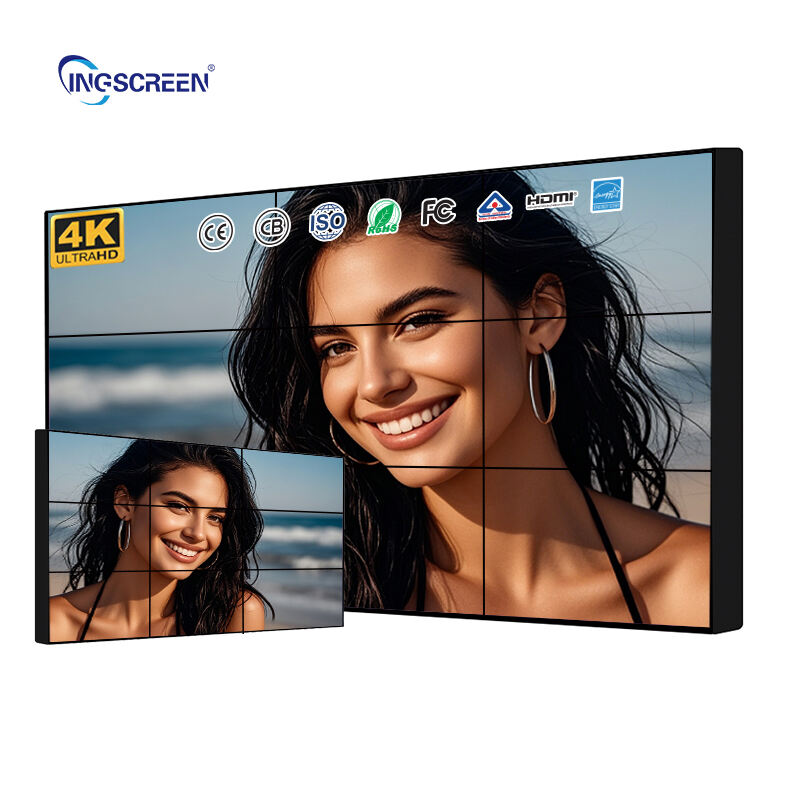
High-traffic commercial locations rarely deploy a single screen. Airports, shopping centers, and corporate campuses typically operate networks of digital signage across multiple zones and floors. A robust content management system is therefore essential to coordinate scheduling, push updates, and monitor display health across every digital signage unit in the network. Without centralized control, managing content becomes labor-intensive and error-prone.
When choosing digital signage, confirm that the platform supports remote content delivery, real-time scheduling adjustments, and system health alerts. Some digital signage solutions also integrate with wayfinding software, promotional campaign tools, and emergency messaging systems. This integration capability transforms standalone digital signage units into a coordinated communication network that responds dynamically to operational needs.
Media Format and Playback Reliability
Digital signage in commercial locations must handle a variety of media formats reliably, including high-resolution video, animated graphics, live data feeds, and static promotional images. The onboard media player inside each digital signage unit should support common formats such as MP4, JPEG, PNG, and HTML5 content without conversion delays or playback errors. Smooth, uninterrupted playback is critical in a public-facing environment where any technical glitch reflects poorly on the business.
Built-in redundancy features, such as automatic reboot scheduling and offline playback mode, ensure that digital signage continues to operate even during network outages or software updates. Reliability at the hardware and software level is non-negotiable for digital signage deployed in locations where thousands of visitors pass through every day.
Form Factor and Placement Strategy
Matching Display Format to Location Function
The physical form of digital signage must align with how the space functions and how visitors move through it. Floor-standing digital signage kiosks work well in open concourses, hotel lobbies, and retail entry points where visitors pause and engage with content independently. Wall-mounted digital signage is better suited for corridors, escalator landings, and queue areas where viewers are in motion and glance at the screen briefly. Selecting the wrong form factor for a digital signage installation results in missed engagement and wasted investment.
Screen size also plays a significant role. Digital signage in large open areas requires bigger displays, typically 55 inches or above, to maintain legibility at a distance. In tighter spaces such as elevator lobbies or checkout counters, smaller digital signage formats deliver focused messaging without overwhelming the environment. Careful site assessment before purchasing digital signage prevents mismatches between display capability and spatial requirements.
Installation and Cabling Considerations
Practical installation factors should inform digital signage selection from the start. Consider power source proximity, cabling routing options, and whether the digital signage unit needs to be repositioned seasonally or for events. Some digital signage kiosks include integrated cable management systems that keep installations clean and reduce trip hazards in high-traffic areas. Units with wireless connectivity options reduce dependency on fixed cable runs and allow more flexible placement strategies.
Thermal management is another often-overlooked installation factor for digital signage. Units that generate excessive heat in enclosed spaces can trigger automatic shutdowns or reduce display lifespan. Ensure that the digital signage chosen for indoor commercial environments has adequate passive or active cooling and that the installation site allows sufficient airflow around the unit.
FAQ
What brightness level should digital signage have in a commercial lobby?
For a typical indoor commercial lobby, digital signage should have a brightness level of at least 500 to 700 nits. If the lobby receives direct sunlight or has large glass facades, brightness of 1000 nits or higher is recommended to ensure the digital signage remains clearly visible throughout the day.
How many digital signage screens do I need for a high-traffic location?
The number of digital signage screens depends on the size of the space, visitor flow patterns, and content zones. A general rule is to ensure that digital signage is visible from every major pedestrian pathway without requiring visitors to stop or turn around. Conduct a site walkthrough and map viewing distances before finalizing the digital signage layout.
Can digital signage be used for emergency messaging in commercial spaces?
Yes, many commercial-grade digital signage systems support emergency messaging integration. These systems allow facility managers to instantly override scheduled content and broadcast safety alerts across all digital signage screens in the network. When selecting digital signage for public commercial locations, confirm that the content management platform includes emergency alert functionality as a standard or add-on feature.

